

Baloon Documentation
Welcome to the Baloon.dev documentation! This page will help you set up Baloon as a JIRA agent for your JIRA board and help you assign your JIRA tasks directly to Baloon Agent or Cursor Agent.
What is Baloon Agent?
Control and track AI agent tasks directly within JIRA. Baloon shares task summaries and PRs back to JIRA automatically.

Ask Product Questions
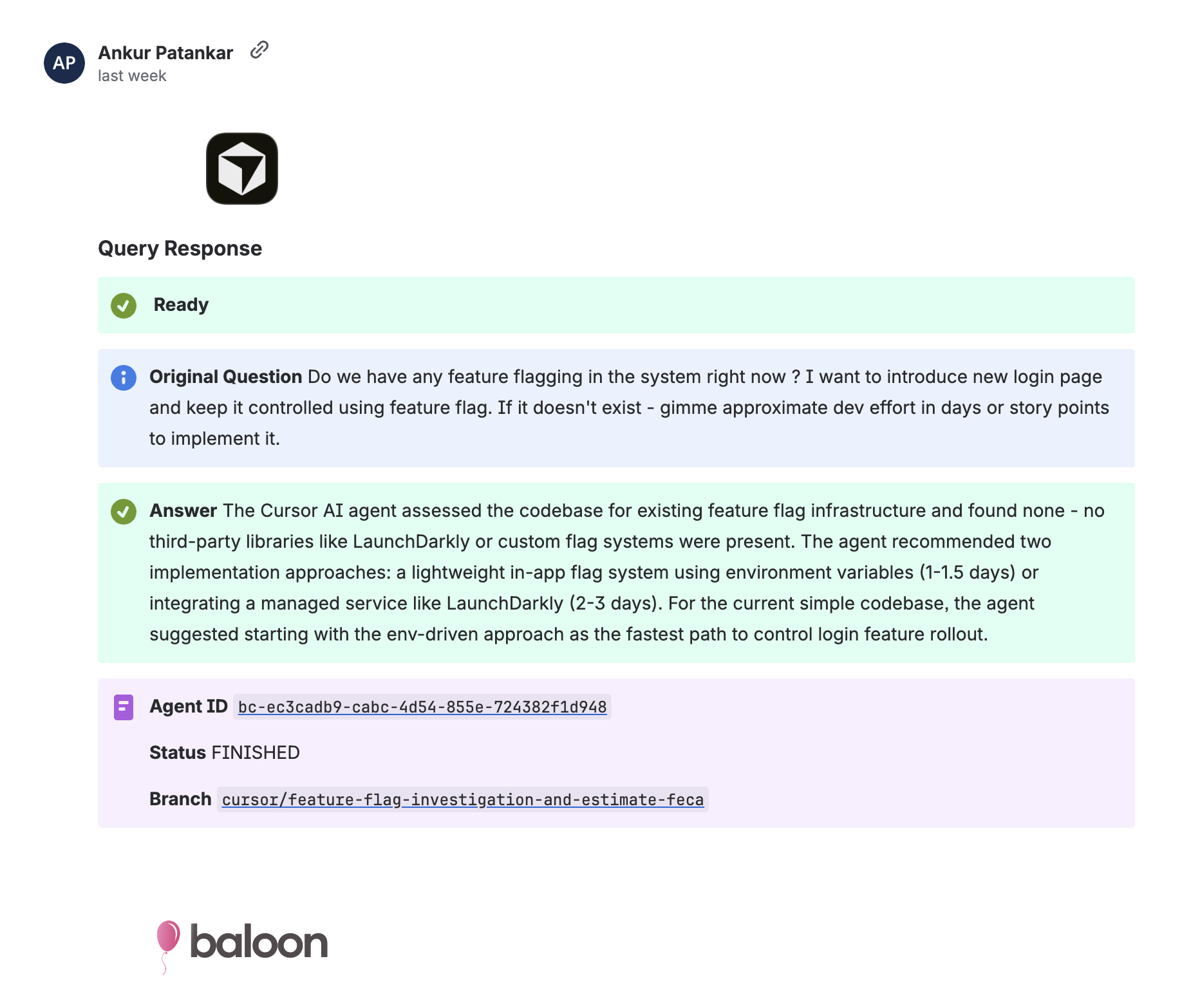
Ask product questions, get guesstimates, generate scope, clarify requirements, task complexity and handle common product decisions without developer involvement.
Minor Tasks
Handles small, straightforward tasks with minimal effort and quick turnaround.
PRs and Previews
Create pull requests, preview changes instantly, and validate updates before merging.
Setting Up Baloon Agent
Get your AI agent up and running in minutes with our step-by-step setup guide.
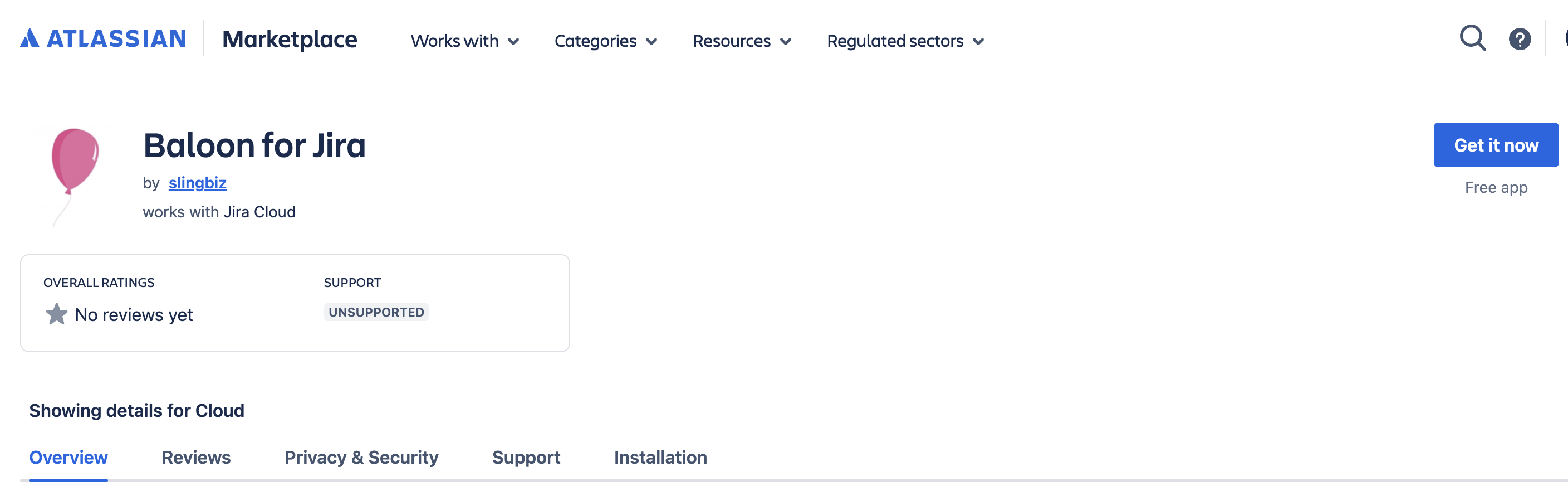
1Install Baloon Agent App in JIRA
Go to your JIRA instance and install the Baloon Agent app from the Atlassian Marketplace.
Once installed, the app will automatically redirect you to the Baloon.dev setup page.
2Complete Setup on Baloon.dev
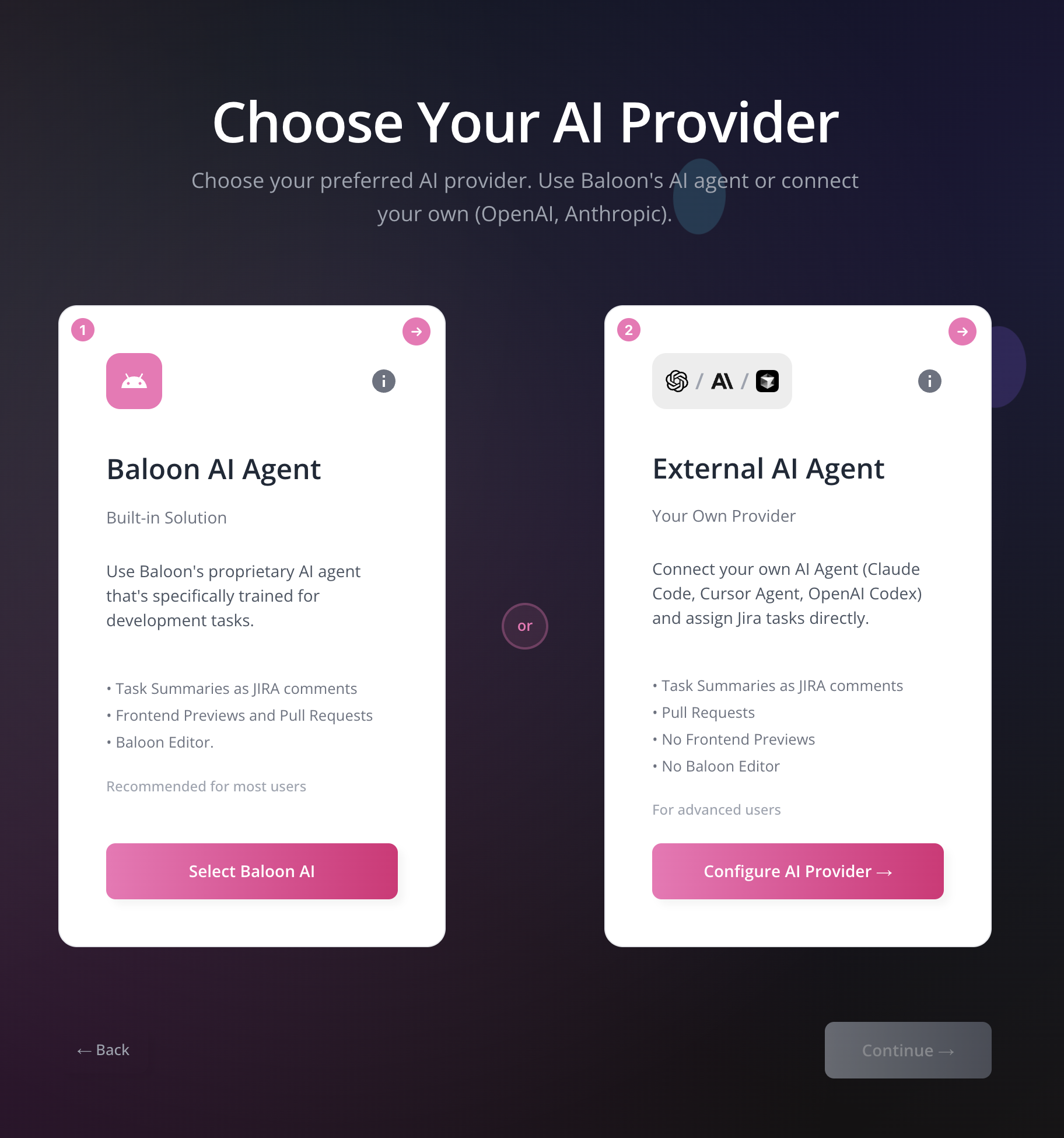
After installing the app, you'll be redirected to baloon.dev/setup-agent.
• Login using your JIRA credentials
• Choose your AI agent:
Option A: Baloon Agent - Connect your GitHub account
Option B: Cursor Agent - Add your Cursor API key
• Complete the setup process
3Set Up Repository Labels
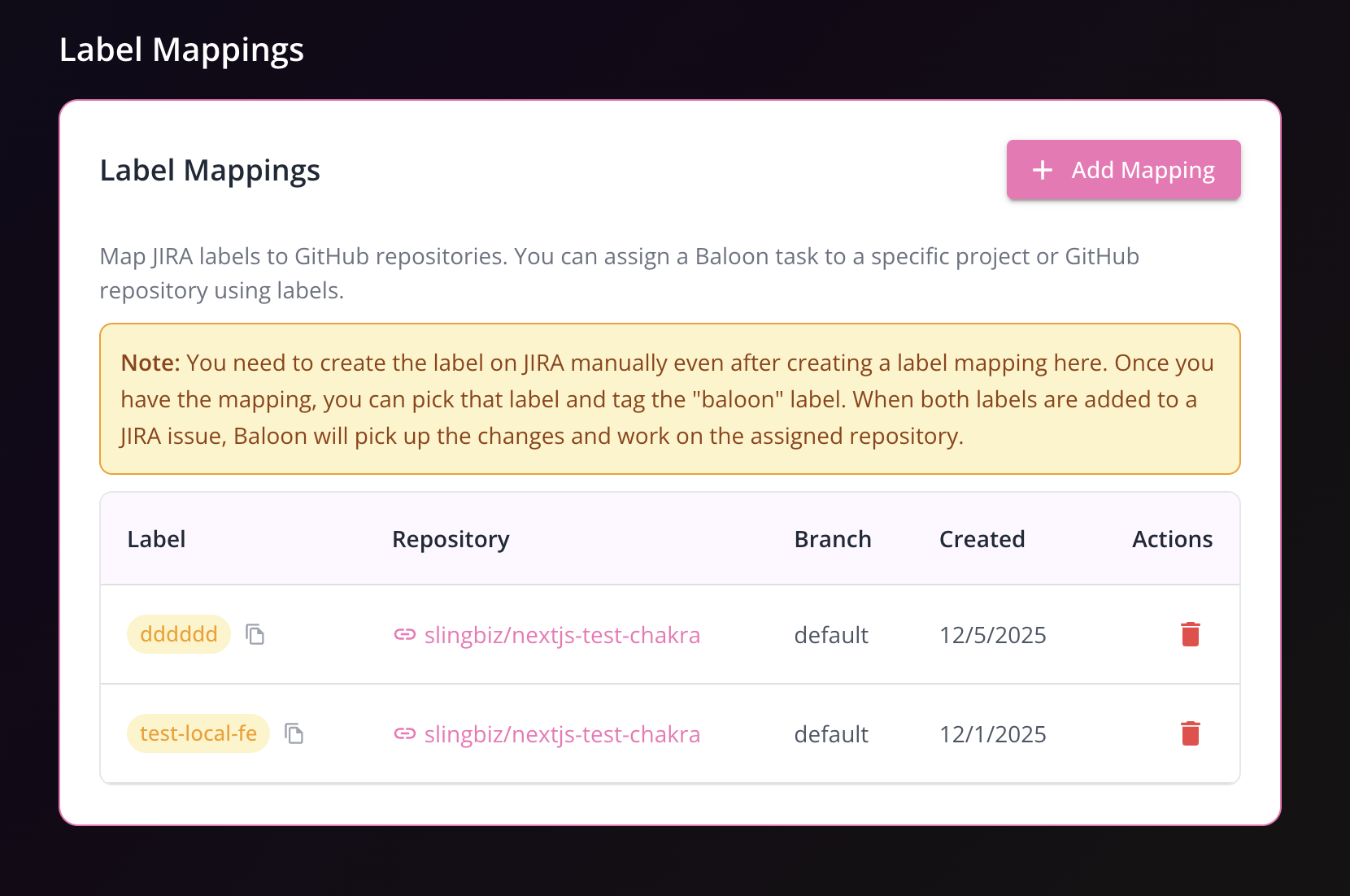
Before using Baloon, you need to configure repository label mappings.
• Navigate to Admin Settings → JIRA Tab
• Set up repository labels to map JIRA labels to your GitHub repositories
This allows Baloon to know which repository to work on when you assign a specific label to a JIRA task.
4Use Baloon in JIRA
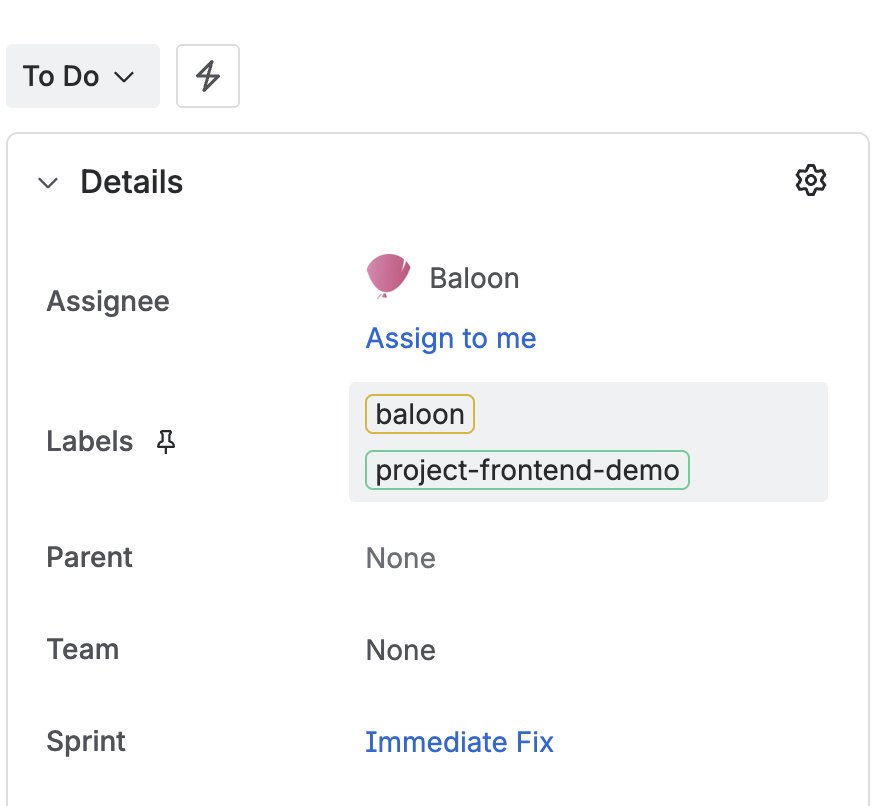
Once setup is complete, you can start using Baloon in your JIRA board:
• Create a bot user: [email protected]
OR• Assign tasks to the bot user with the label "baloon" and your configured repository label
• Baloon will automatically:
✓ Pick up the assigned task
✓ Create pull requests
✓ Answer product questions and provide task summaries
All updates and PRs will be automatically shared back to JIRA.
Key Features
Everything you need to accelerate your development workflow
JIRA Integration
Seamlessly connects with your JIRA instance to automatically pick up and work on tickets based on priority and labels
Automated Code Generation
Generates production-ready code following your project's patterns, style guides, and best practices
Pull Request Creation
Automatically creates well-documented pull requests with clear descriptions and linked JIRA tickets
Sandbox Environments
Instantly preview changes in isolated sandbox environments before merging to production
Continuous Learning
Learns from your feedback and codebase to improve accuracy and match your team's preferences
Smart Testing
Automatically writes and runs comprehensive tests to ensure code quality and prevent regressions
Real-time Updates
Stay informed with instant notifications about task progress, builds, and deployment status
Security First
Built-in security scanning and compliance checks to ensure your code meets industry standards
How to Use Baloon Agent Effectively
Learn the best practices and workflows to maximize your AI agent's productivity.
Task Assignment Workflow
How the agent picks and processes tasks
Task Detection
Agent monitors JIRA for new tasks with specific labels
Analysis & Planning
Analyzes requirements and creates implementation plan
Code Implementation
Writes code following project patterns and standards
Testing & Validation
Runs tests and creates sandbox preview
Best Practices & Tips
Optimize your workflow and get the most out of your AI development agent.
Task Preparation
Clear Requirements
Write detailed, specific task descriptions with acceptance criteria
Proper Labeling
Use consistent labels for agent task detection
Priority Setting
Set appropriate priority levels for task ordering
Code Quality
Style Guides
Maintain consistent coding standards and linting rules
Test Coverage
Ensure comprehensive test suites for agent validation
Documentation
Keep documentation updated for agent reference
Team Collaboration
Review Process
Establish clear code review workflows
Communication
Set up notifications and status updates
Feedback Loop
Regularly provide feedback to improve agent performance
Advanced Configuration
Fine-tune your agent for optimal performance